Describe the direction.
Tell aiDo about the mood, style and details you want to bring to your invitation.
WEDDING DESIGN
Describe the look you love. Shape an invitation page and matching email with aiDo, then carry that style through your guest pages and the app you use to plan the wedding.
Free includes invitations and three AI design sessions.
A LOOK THAT BELONGS TO YOUR WEDDING
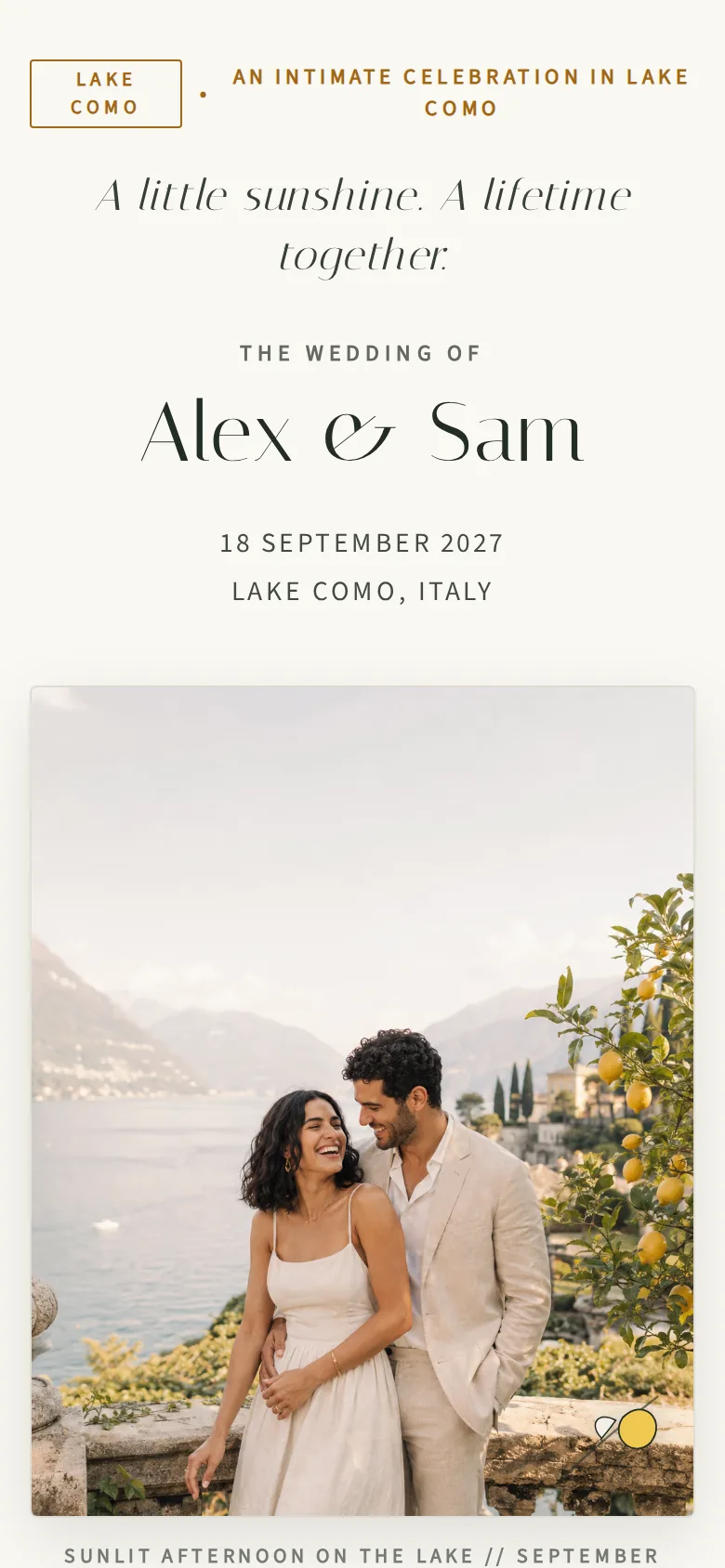
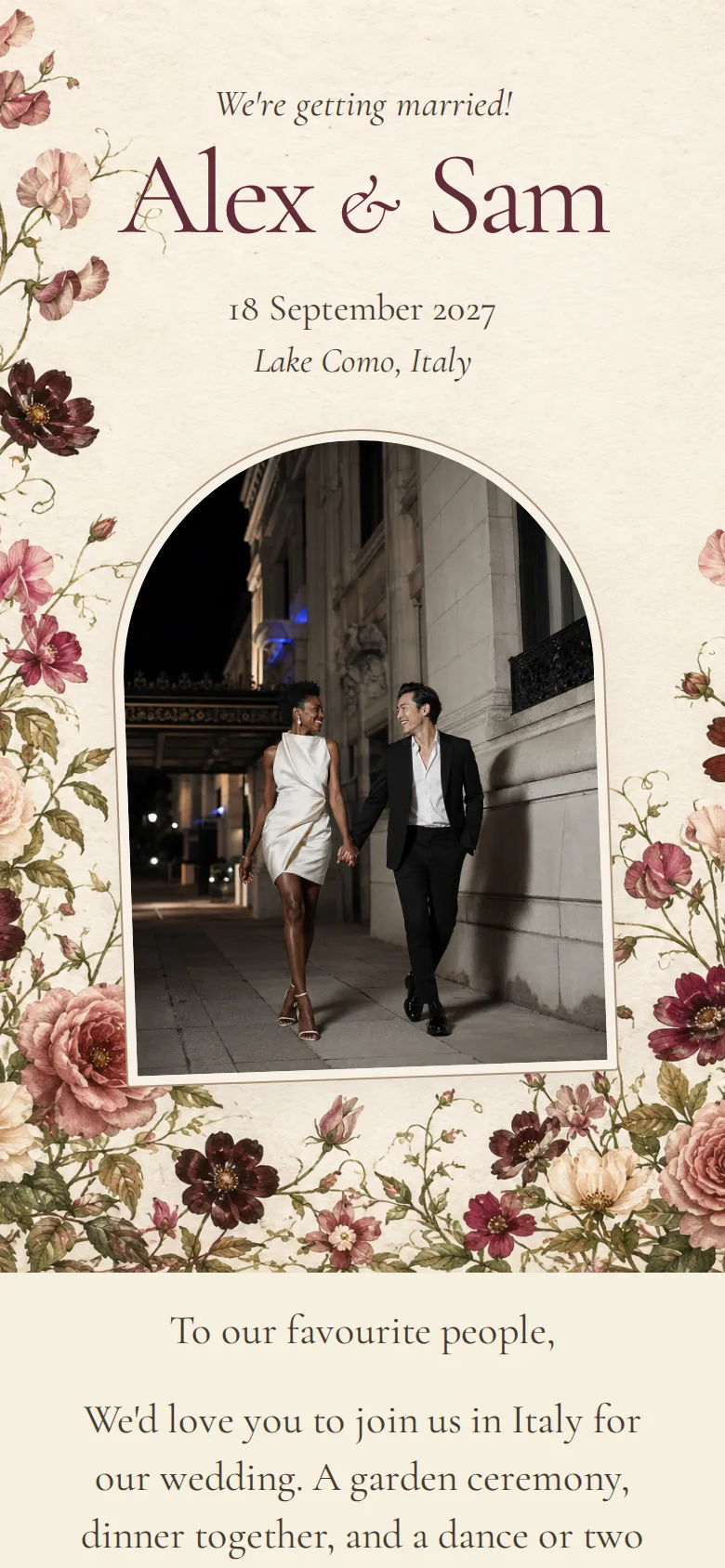
Garden-party romantic. Warm and understated. A little unexpected. Describe the direction you love, then refine the invitation page and matching email with aiDo.
Keep the look connected to the wedding you are planning. Refine the text and details using the edits available for your design, then take a look before you share it.
A guest-facing design that brings the celebration into view.
Carry the invitation’s direction into the email your guests receive.
When you publish your wedding design, its theme carries through your guest pages and the rest of aiDo—from planning to guest management.
MAKE IT REAL BEFORE YOU SHARE IT
A first design gives you something to react to. Look through the page, refine the direction and check the wedding details while your changes are private.
Publishing brings the design to the guest-facing invitation and carries the wedding’s theme into aiDo. Your guest pages and planning workspace feel like parts of the same celebration. Sending the invitation email is a separate step, with a preview and selected recipients to check.
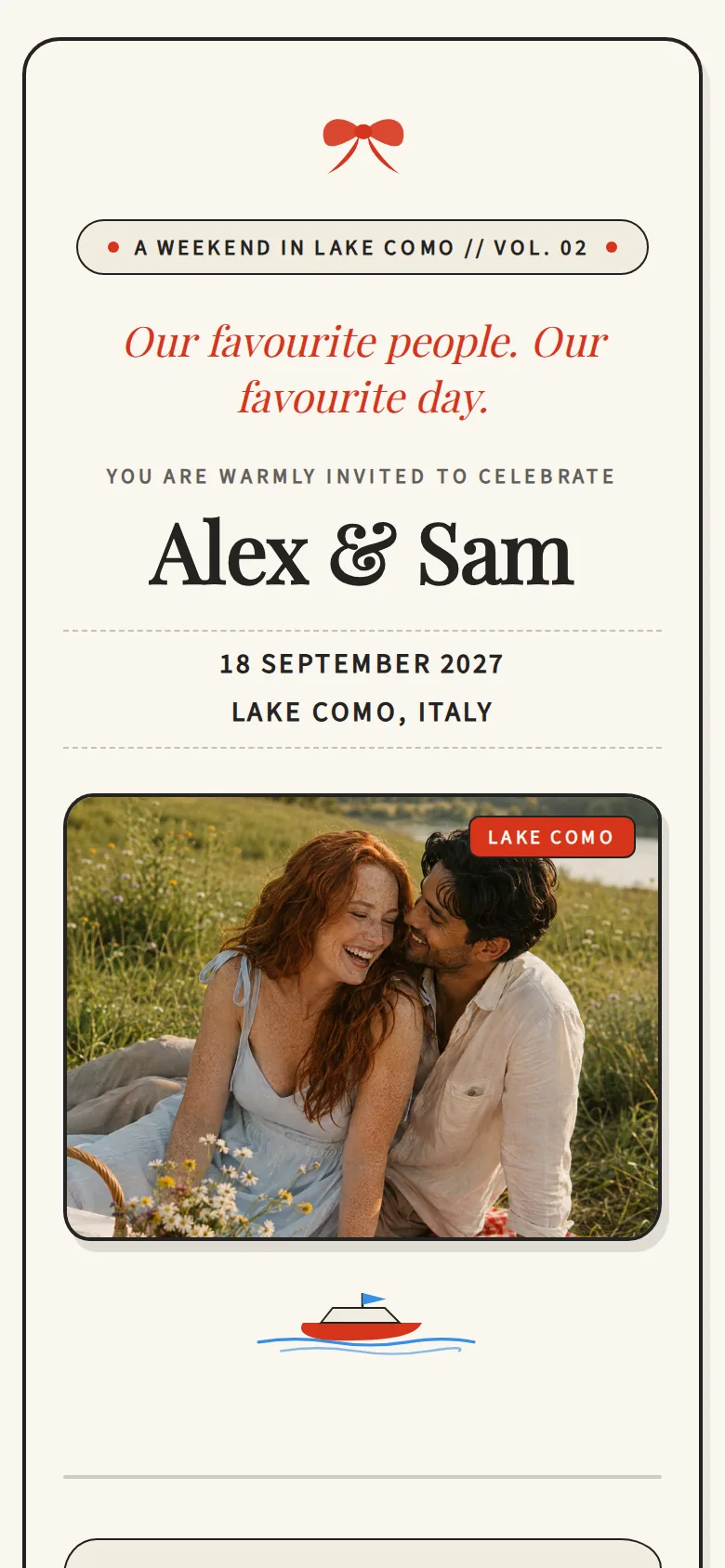
Explore the playful exampleA SIMPLE WAY IN
Tell aiDo about the mood, style and details you want to bring to your invitation.
Review the design together and edit its supported details. Keep working until the direction feels right.
Publish the wedding design and its coordinated app theme, then review the email and its recipients when you choose to send.
A FEW PRACTICAL DETAILS
Work with aiDo on a wedding invitation page and matching email. Explore different directions, then keep refining the one that feels like you.
Yes. Publishing your wedding design applies its theme to the guest experience and your planning workspace, including your guest-management pages. You can choose a different workspace theme afterward; publishing the wedding design again brings them back into sync.
Yes. You can refine the design and edit its supported fields. The fields available depend on the design; this does not mean every visual element is directly editable.
Private design edits remain private until you publish them. Publishing and sending invitation emails are separate actions.
Yes. Free includes invitations, personal invitation links, no-account RSVP and three AI design sessions. The guest app and concierge are Pro benefits.
YOUR WHOLE WEDDING, COMING TOGETHER
Your invitation is one part of a wedding that comes together around your people and your taste.
Continue to signup