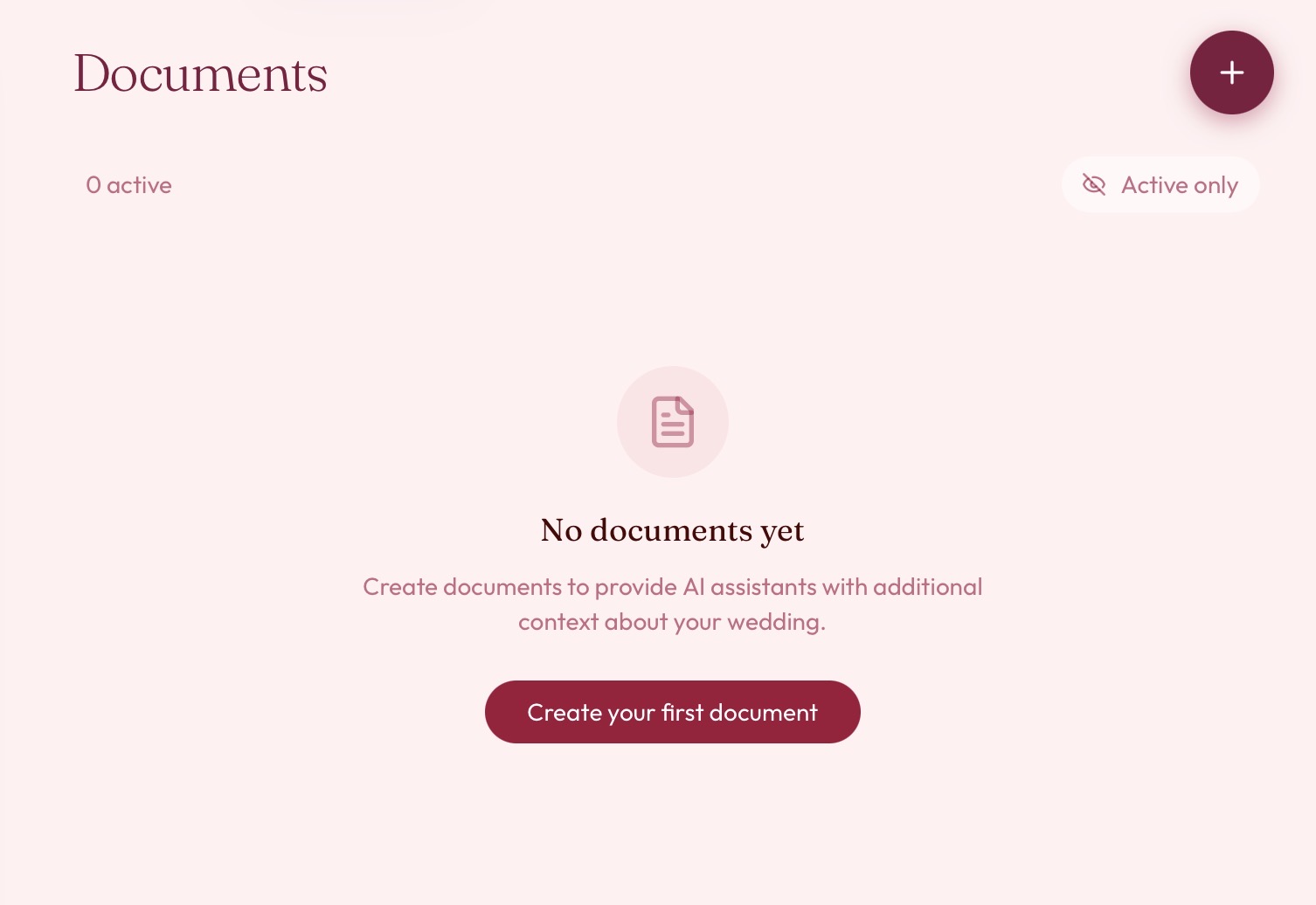
Introducing documents in aiDo
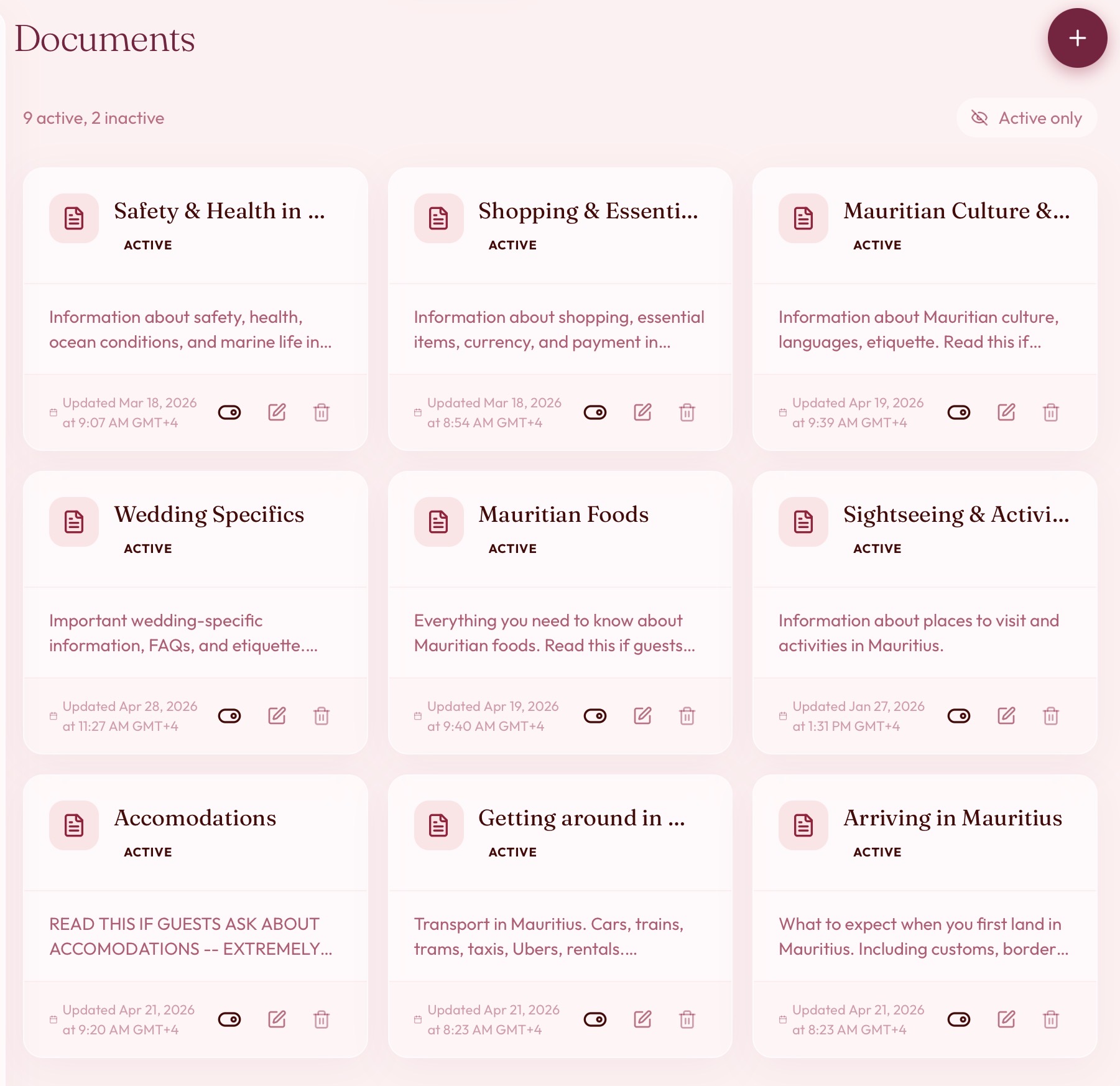
Today we're adding documents to aiDo — a place for couples to write down the specifics of their wedding and have our concierge draw on them when guests ask. The shuttle schedule, the dress code, the reason the welcome dinner starts at an odd hour: if you've written it down, the concierge can use it.
Until now, the concierge answered guests from structured details — the event schedule, RSVP status, travel dates. That covers a lot, but every wedding has knowledge that doesn't fit into fields. Where exactly the after-party is. Whether kids are welcome at the ceremony but not the reception. What "festive beach formal" actually means. Couples end up answering these one text at a time, often the same question from a dozen people. Documents are for that knowledge — so guests get answers that sound like they came from you, and you're not replying to the same message at midnight.
How it works
A host writes a document with a name, a short description — three sentences or fewer — and the content itself, as plain text. You might keep one called "Transportation," another "Dress code," another "Saturday welcome dinner."
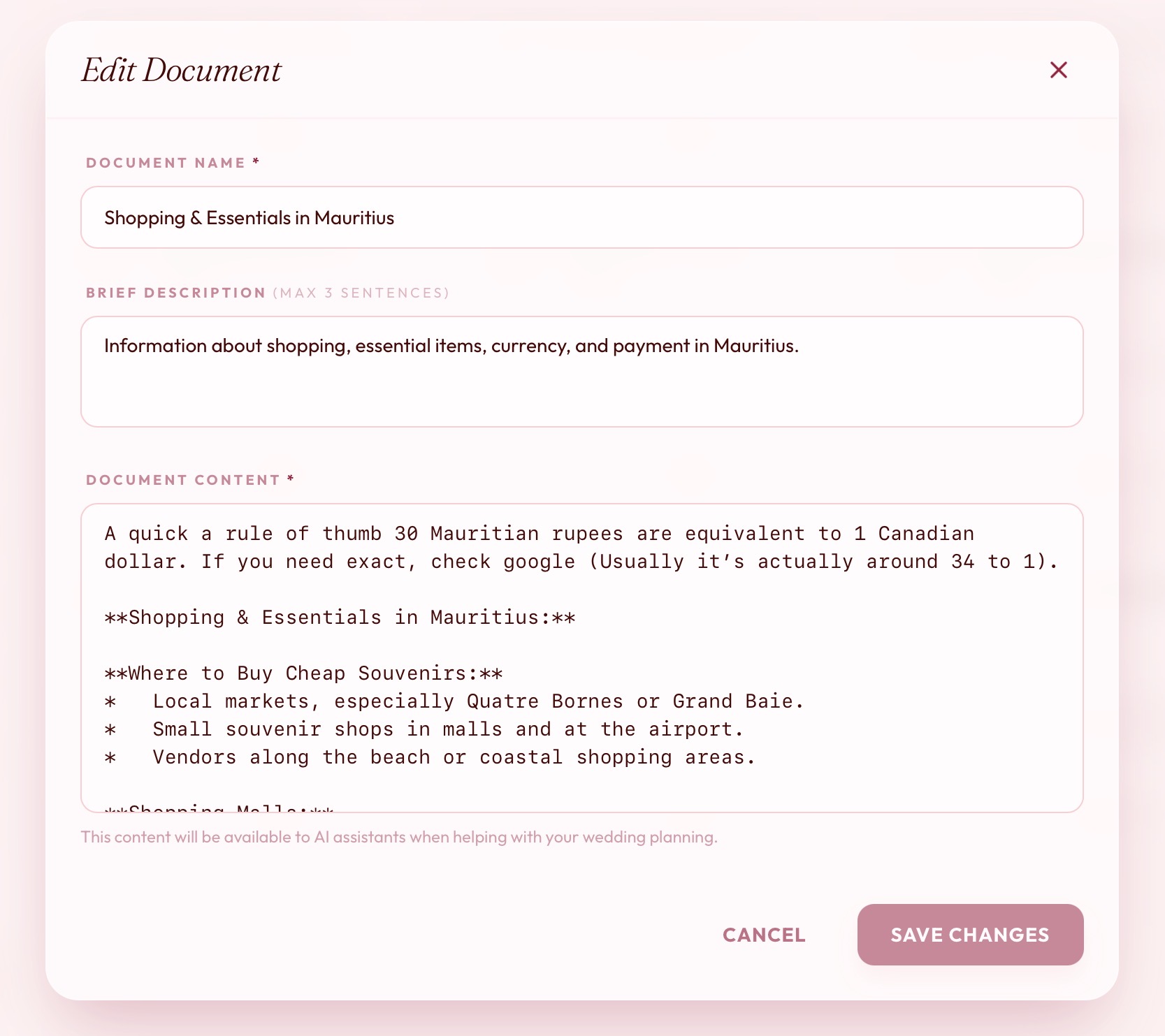
When a guest opens a chat, the concierge is handed a list of your active documents: their names and descriptions, not the full text. When a question looks like one of them might help, it opens that document and reads it before answering. So if a guest asks "how do I get to the venue," the concierge can pull up your transportation note and answer with your actual pickup times rather than guessing.
A few things worth knowing about how this behaves:
- The description does real work. It's what the concierge sees when deciding whether a document is relevant, so a specific one ("Pickup times and locations for the wedding-day shuttles") helps more than a vague one ("Logistics"). This isn't a search engine reading every word you wrote — it's the concierge choosing from a short list, so the labels matter.
- You control what's live. Each document is active or inactive, and the concierge only ever sees active ones. Drafting something you're not ready to share, or retiring a note after the day passes, is a single toggle.
- It stays within your wedding. A document belongs to one wedding and is only ever read by that wedding's concierge. Guests never see the raw text — they get answers.
You don't have to use the editor, either. Because the concierge can write documents too, you can just tell it "make a note that the rehearsal dinner is at 6, dress is smart casual," and it will save one for you.
Answers in your voice
The concierge doesn't read your documents back like a manual. It treats them as its own knowledge — so instead of "the document says the bar is cash-only," a guest hears it naturally, in context. And when you add a personal aside — "Jon says: wear shoes you can dance in" — the concierge passes it along in your voice, so guests feel like they're getting the detail straight from the couple.
Availability and what's next
Documents are available now for wedding hosts. Today they're plain text and authored by the couple, and we expect to learn a lot from how people actually use them. We're considering richer formatting, retrieving from longer documents more precisely, and giving the concierge a better sense of which note to reach for when several could apply. We're not certain which of these will matter most — that depends on what you write and what your guests ask — and we'll keep sharing what we learn as we go.